How to become Corporate & Government ready
Businesses, councils and government agencies check a supplier’s insurance, health and safety and business details before they book. Add them once on the vendor portal. When our team has checked them, your profile shows the Corporate & Government ready badge.
What the badge does for you
Stand out to bigger clients
The badge shows on your profile and in search, with your insurance cover and any prequalification we’ve checked.
Ready for badge-only requests
Businesses will be able to send a request to badge holders only. With the badge, you’re in line for them.
Your details in one place
Your certificate, health and safety and business details, kept current and checked, ready when a business asks.
Before you start: have these ready
With these to hand it takes about 15 minutes, and your answers save as you go, so you can finish later.
- Your NZBN. 13 digits, on the NZBN register. Sole traders can get one free.
- Your GST number. Only if you’re registered for GST.
- Your public liability certificate. A PDF or a clear photo, with at least $1 million cover.
- Health and safety. A Tōtika, SHE PreQual, SiteWise or ISO 45001 number, or your policy. No prequalification? Answer 7 short questions instead.
- An accounts contact. The name and email for purchase orders and payments.
Where to find it
Sign in to the vendor portal. On your dashboard, choose Get started on the Corporate & Government card. Or open it any time from the menu: your name at the top right on a computer, or More at the bottom on a phone.
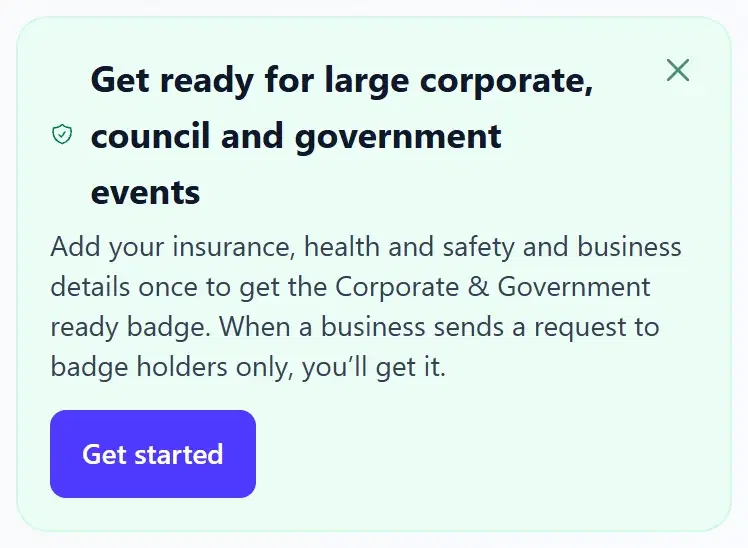
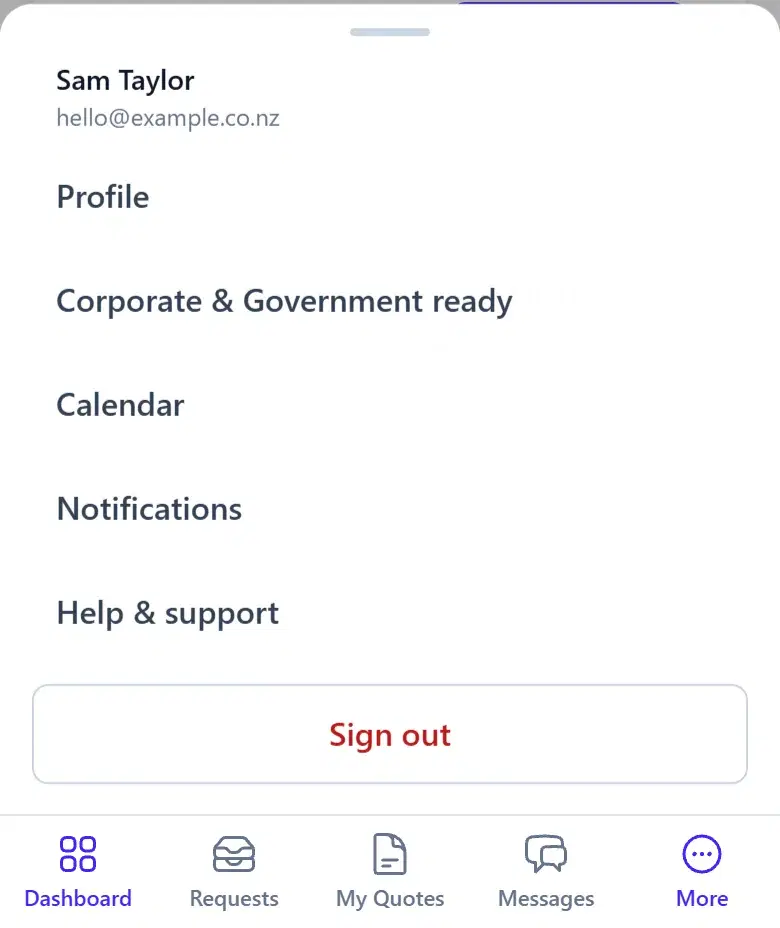
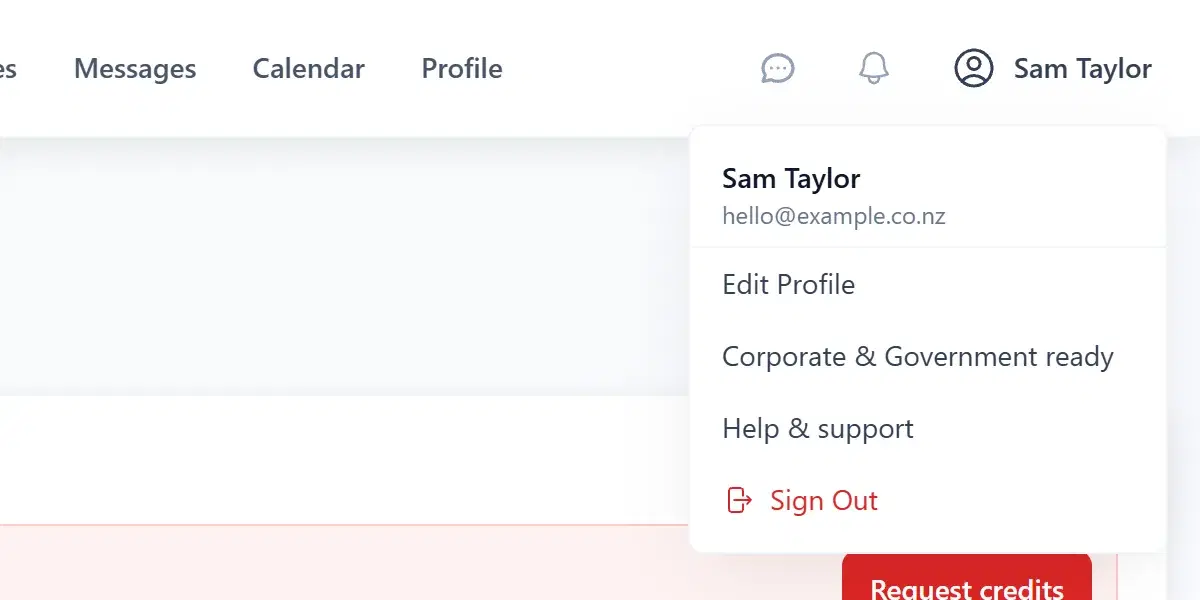
The page opens with a reminder of what to have ready and six steps. Each step saves on its own, and the next one opens when you’re done.
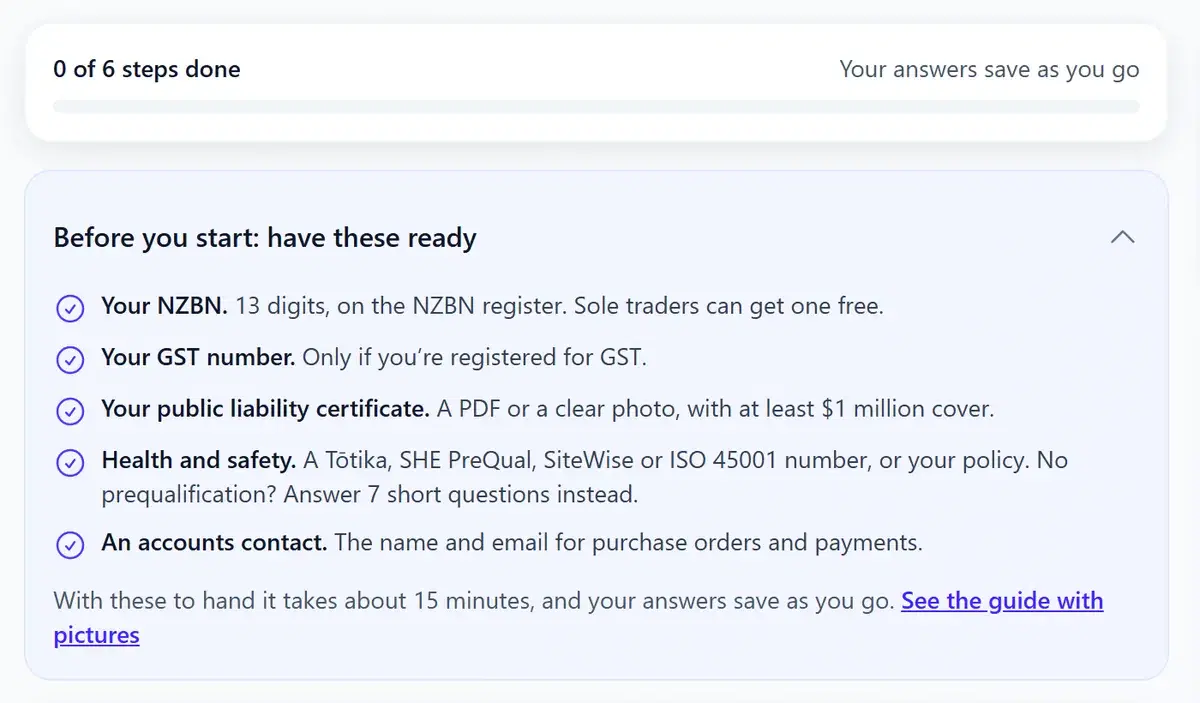
The six steps
1Business details
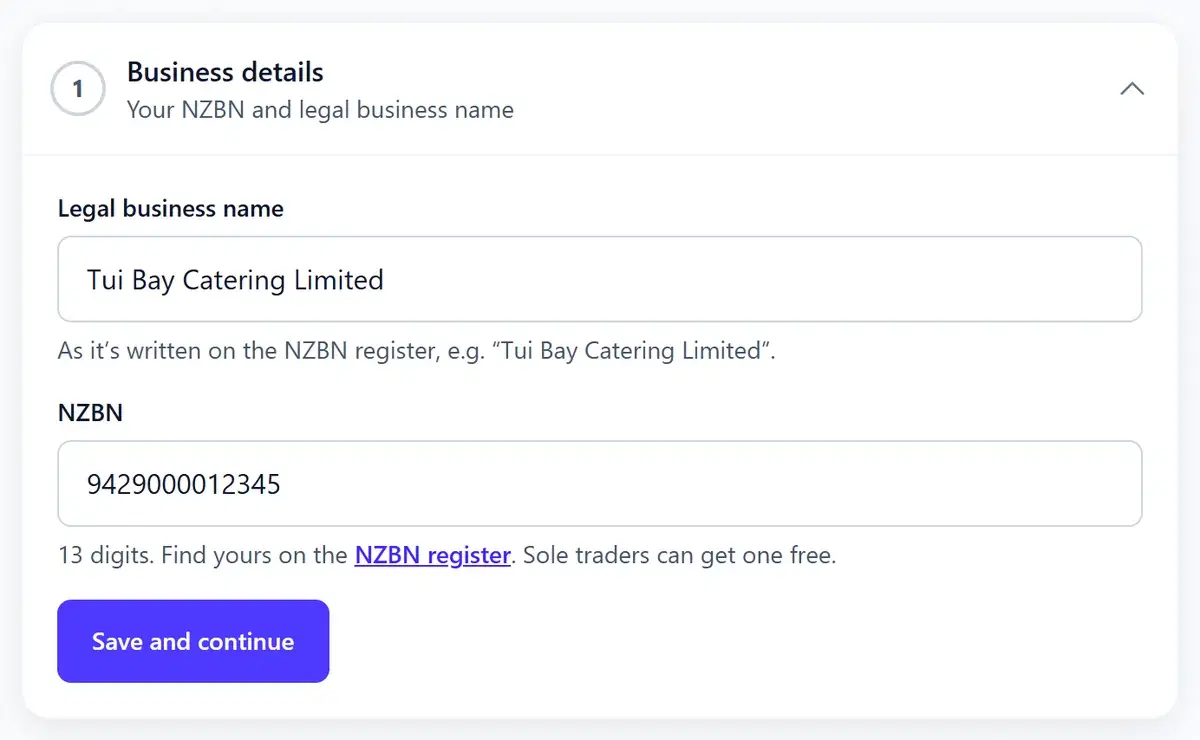
Enter your legal business name exactly as it’s written on the NZBN register (for a company, usually ending in “Limited”), and your 13-digit NZBN.
Don’t have an NZBN? Sole traders and partnerships can get one free on nzbn.govt.nz. Companies already have one.
2GST
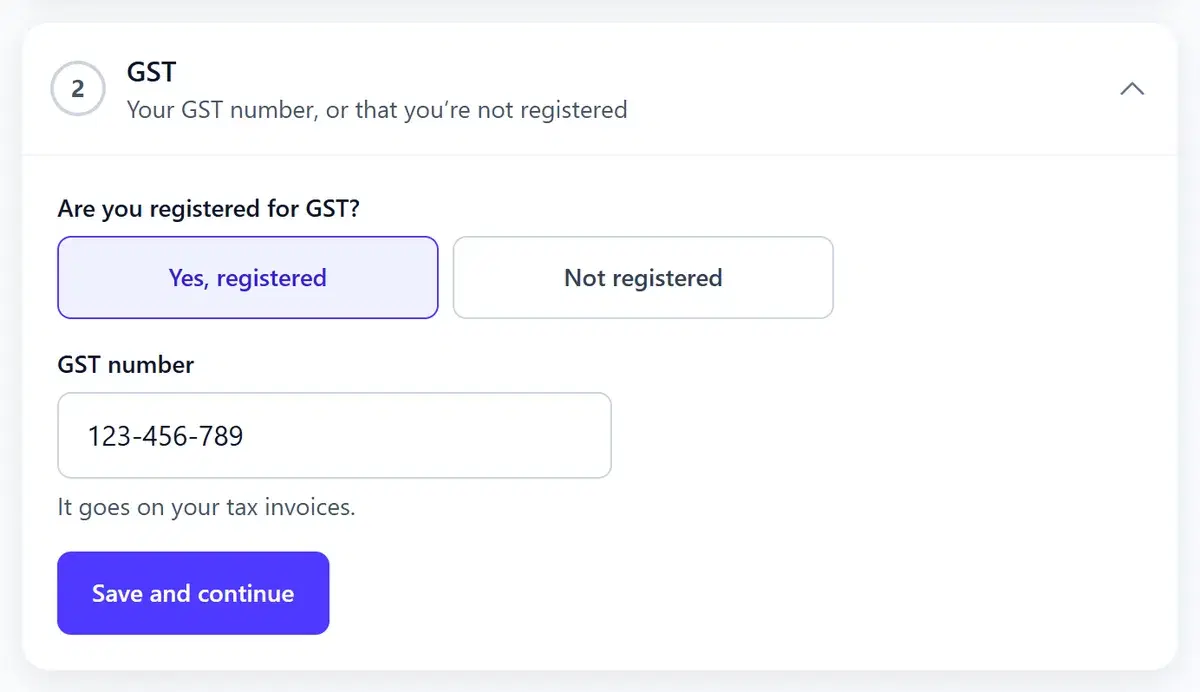
Tell us whether you’re registered for GST. If you are, add your GST number: it goes on your tax invoices. Not registered is fine too.
3Public liability insurance
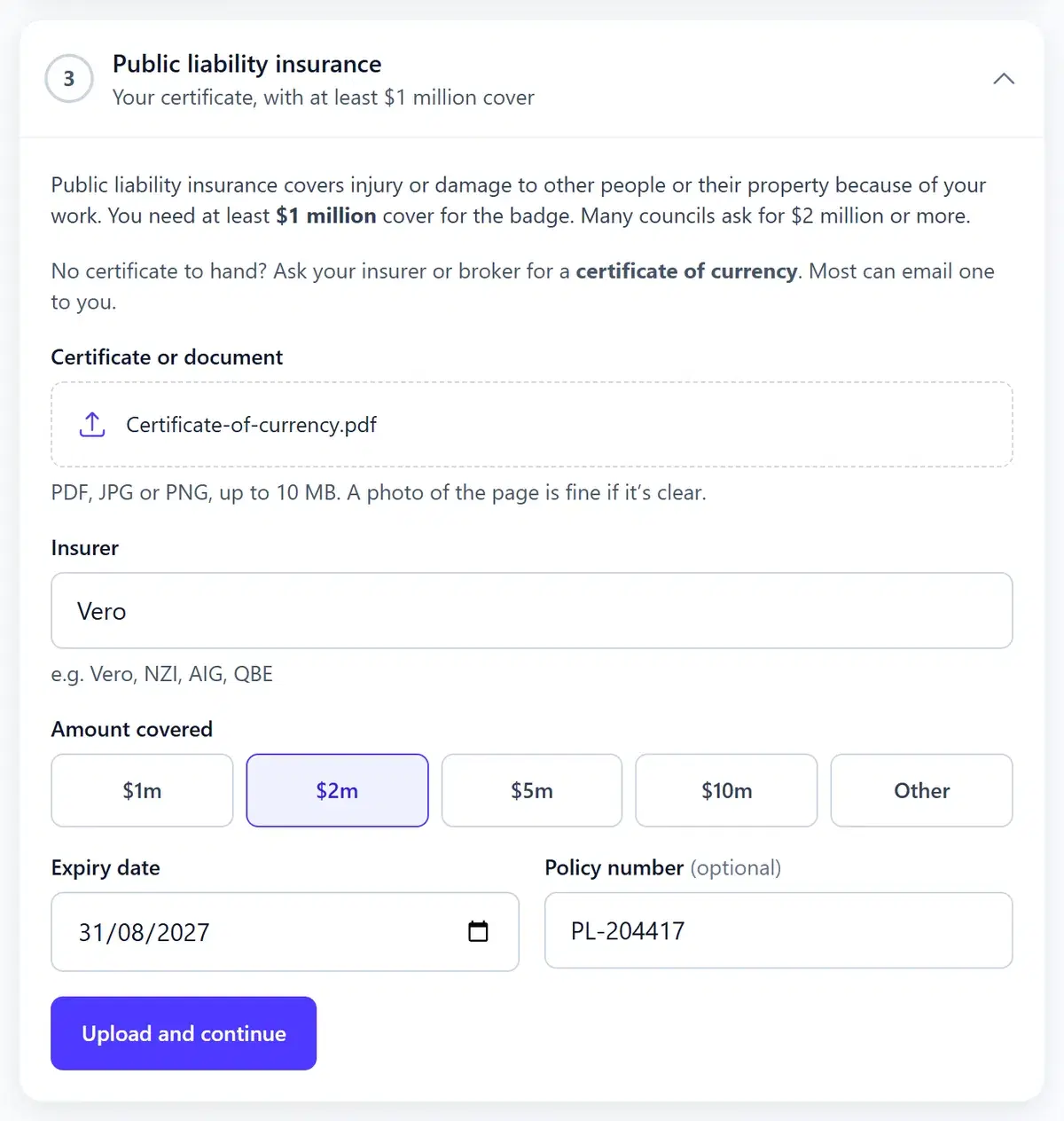
Upload your certificate (PDF, JPG or PNG, up to 10 MB; a clear photo of the page is fine), then add your insurer, how much you’re covered for, the expiry date and, if you like, the policy number.
You need at least $1 million cover for the badge. Many councils ask for $2 million or more, and organisers can see your cover amount.
No certificate to hand? Ask your insurer or broker for a “certificate of currency”. Most can email one to you.
4Health and safety
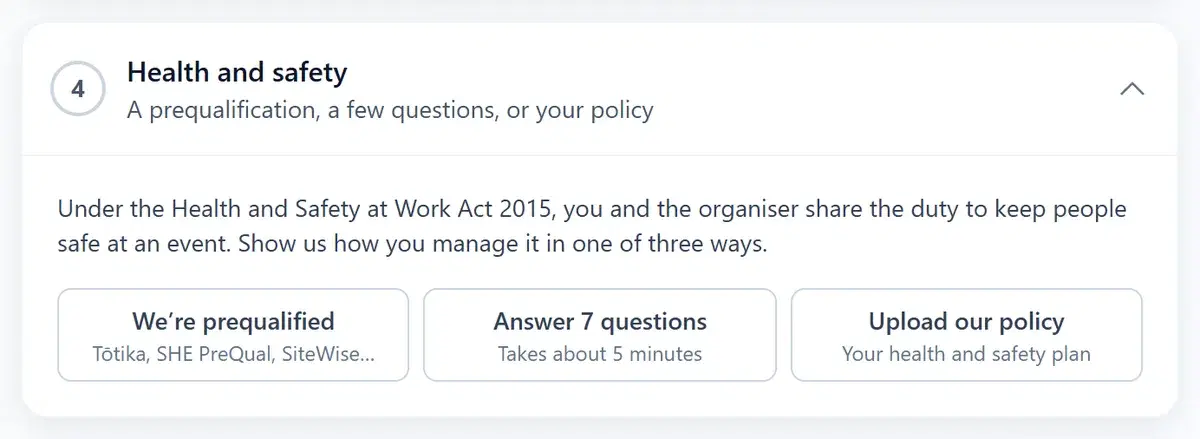
Under the Health and Safety at Work Act 2015, you and the organiser share the duty to keep people safe at an event. Show how you manage it in one of three ways:
- We’re prequalified. Choose Tōtika, SHE PreQual, SiteWise, ISO 45001 or another scheme, and add your number.
- Answer 7 questions. Yes or no questions about your plan, site checks, training, equipment, incidents, site rules and emergencies, then a few sentences on the main risks in your work and how you manage them. About 5 minutes.
- Upload our policy. Your written health and safety plan or policy.
5Declarations
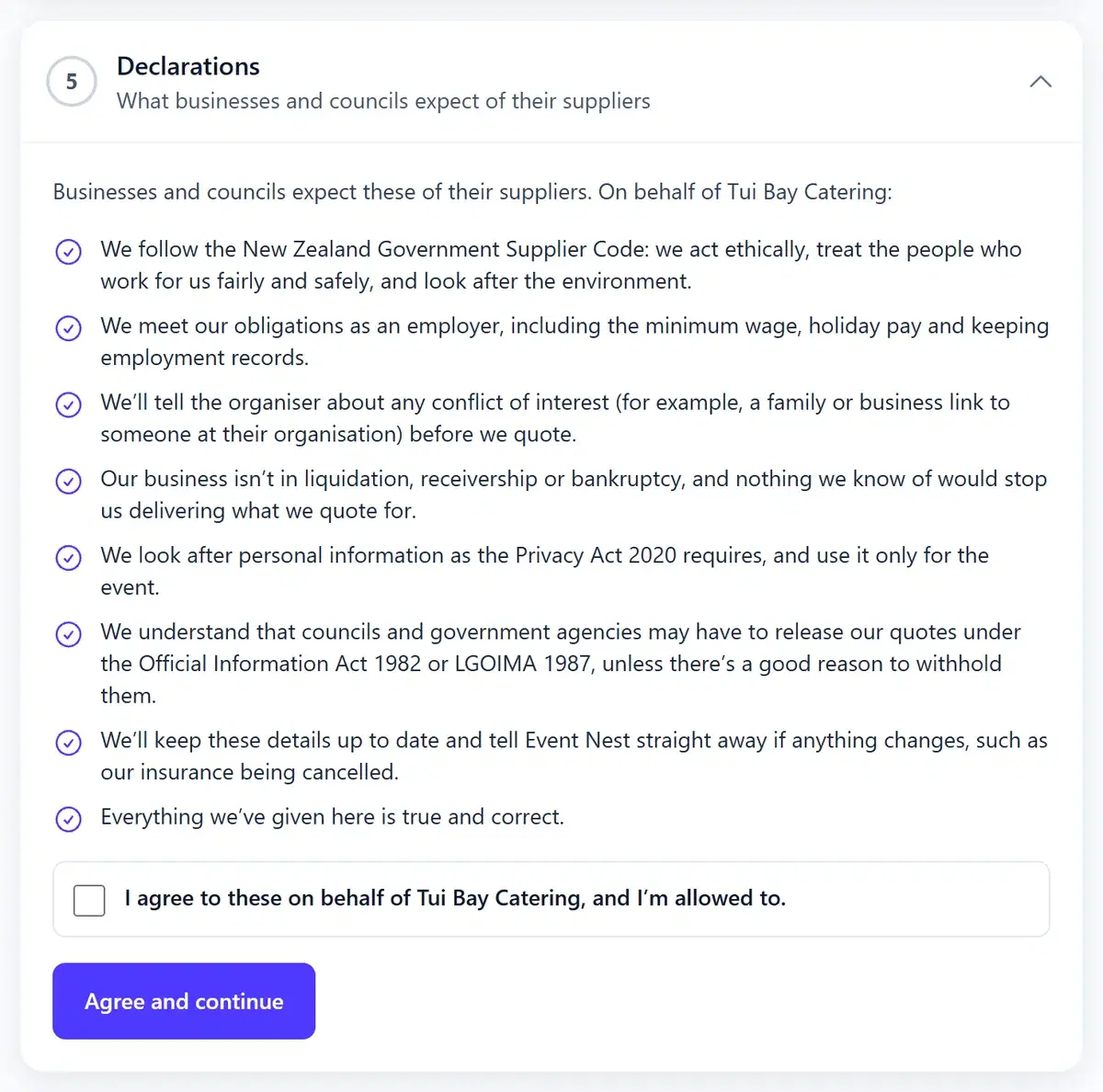
Read and agree to what businesses and councils expect of their suppliers: following the Government Supplier Code, meeting your obligations as an employer, telling the organiser about any conflict of interest, privacy, and that councils may have to release quotes under the Official Information Act or LGOIMA.
6Accounts contact
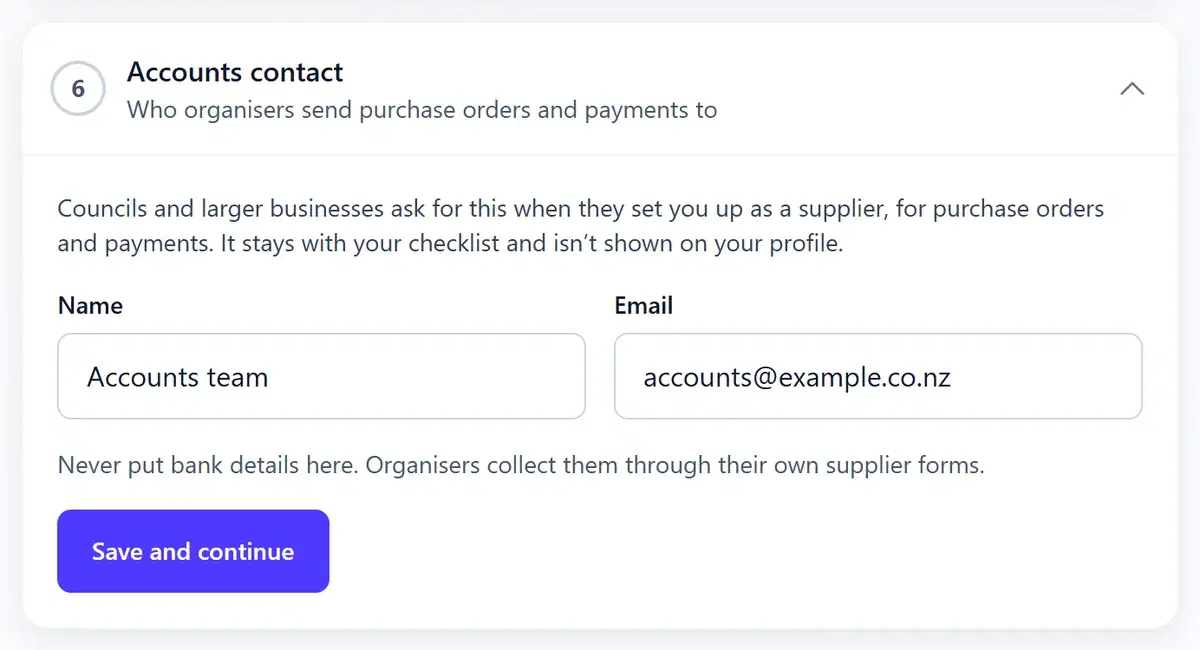
Who organisers should send purchase orders and payments to. A shared address such as accounts@ works well.
Send it to us
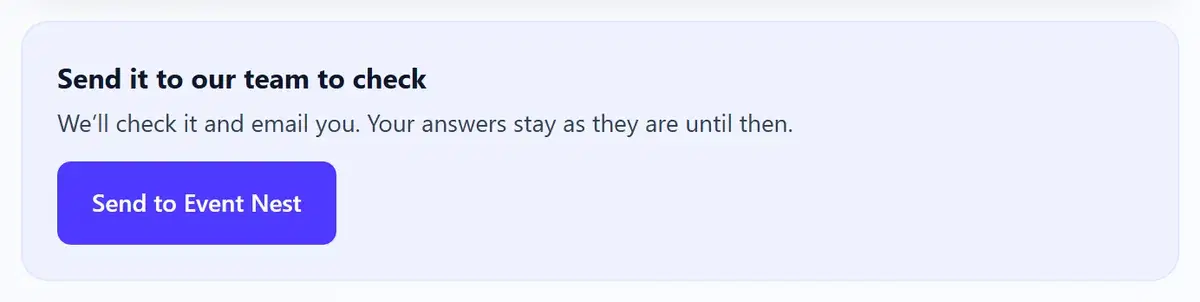
When all six steps are done, choose Send to Event Nest. Your vendor profile needs to be approved first; you can fill in the steps before then.
- We check your NZBN on the register, your insurance certificate and your health and safety details.
- If something needs changing, we email you and say what. Make the change and send it again.
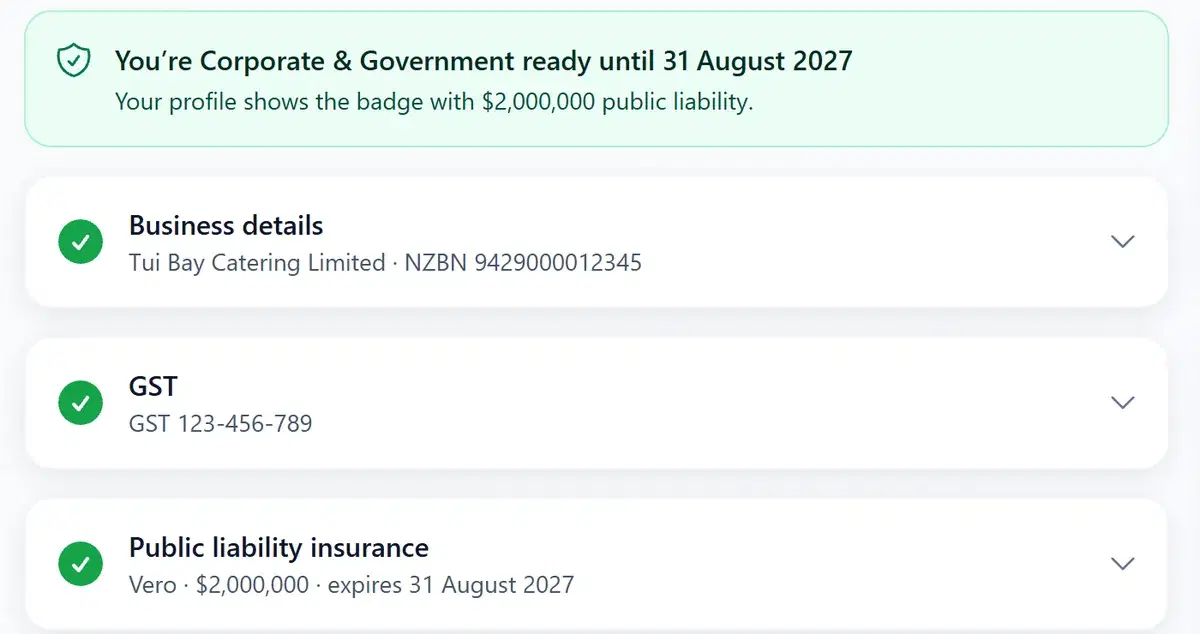
- Once it’s checked, we email you and your profile shows the badge.
Keeping your badge
- The badge lasts until your insurance expires (or your prequalification, if that ends first).
- Your dashboard reminds you 30 days before. Upload your renewed certificate in step 3 and send it to us.
- If you change details we’ve checked, we check them again. Your badge stays until it would have ended.
Common questions
Do I have to get the badge?
No, it’s optional. You can still quote on requests without it. The badge helps when a business, council or government agency needs a supplier who has these things in place.
I’m a sole trader. Can I get it?
Yes. You need an NZBN (sole traders can get one free on nzbn.govt.nz), public liability insurance of at least $1 million, and one of the three health and safety options. You don’t need to be registered for GST.
I don’t have a health and safety prequalification. Is that a problem?
No. Choose “Answer 7 questions” instead, or upload your own health and safety policy.
Who can see my documents?
Only the Event Nest team, to check them. Organisers see the badge, your cover amount and any prequalification we’ve checked, not your documents.
How long does the badge last?
Until your public liability insurance expires, or your prequalification if that ends first. Upload your renewed certificate before then to keep it. Your dashboard reminds you 30 days before.
What if my details change?
Update them on the checklist and send it again. Your badge stays until it would have ended while we check the new details.
Does the badge mean a business won’t ask me for anything else?
We check that what you’ve given us is complete and current. Businesses and councils may still ask for more, such as a site-specific safety plan.